
Safe
Face ID, passwords, and other safety features protect your details at home and abroad.
Face ID, passwords, and other safety features protect your details at home and abroad.
Shop online and use ATMs in Canada and abroad through the Visa network.
Tap to pay in store. Click to pay at checkout in web stores and apps.
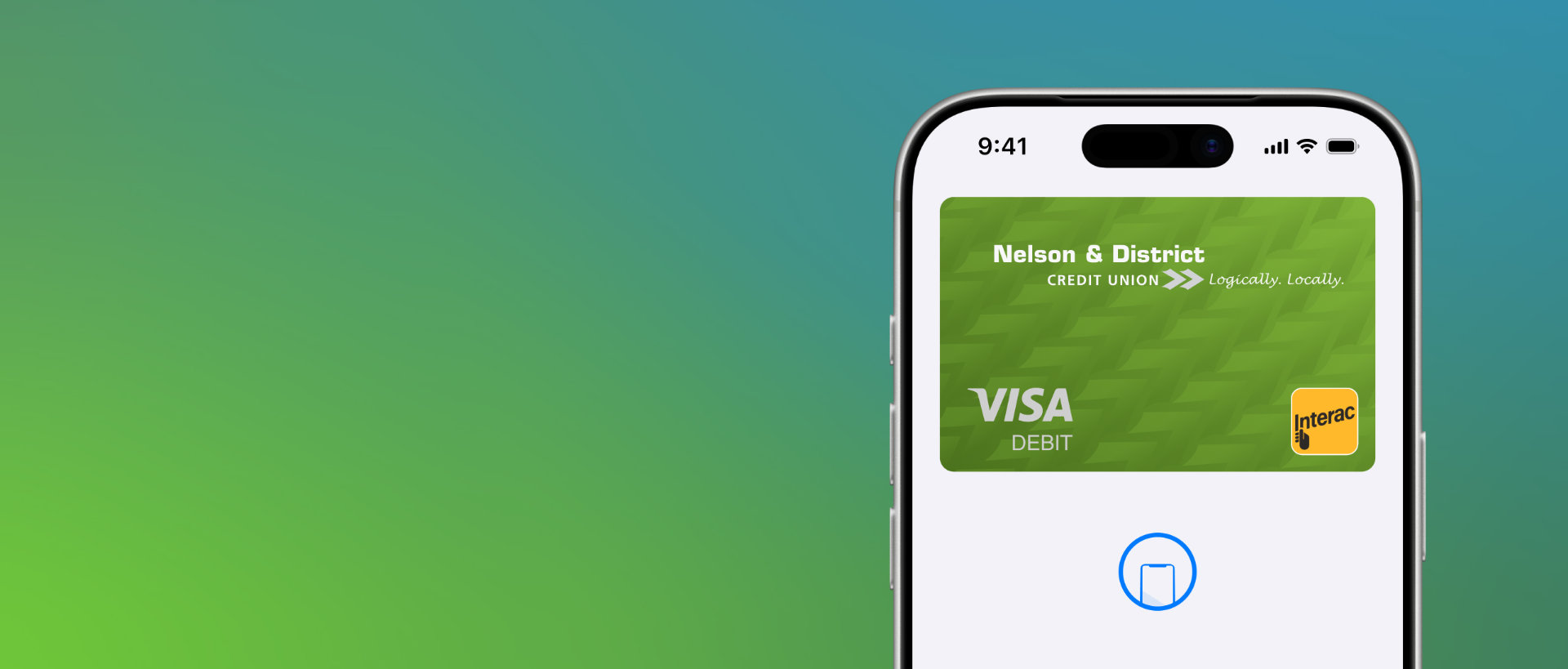
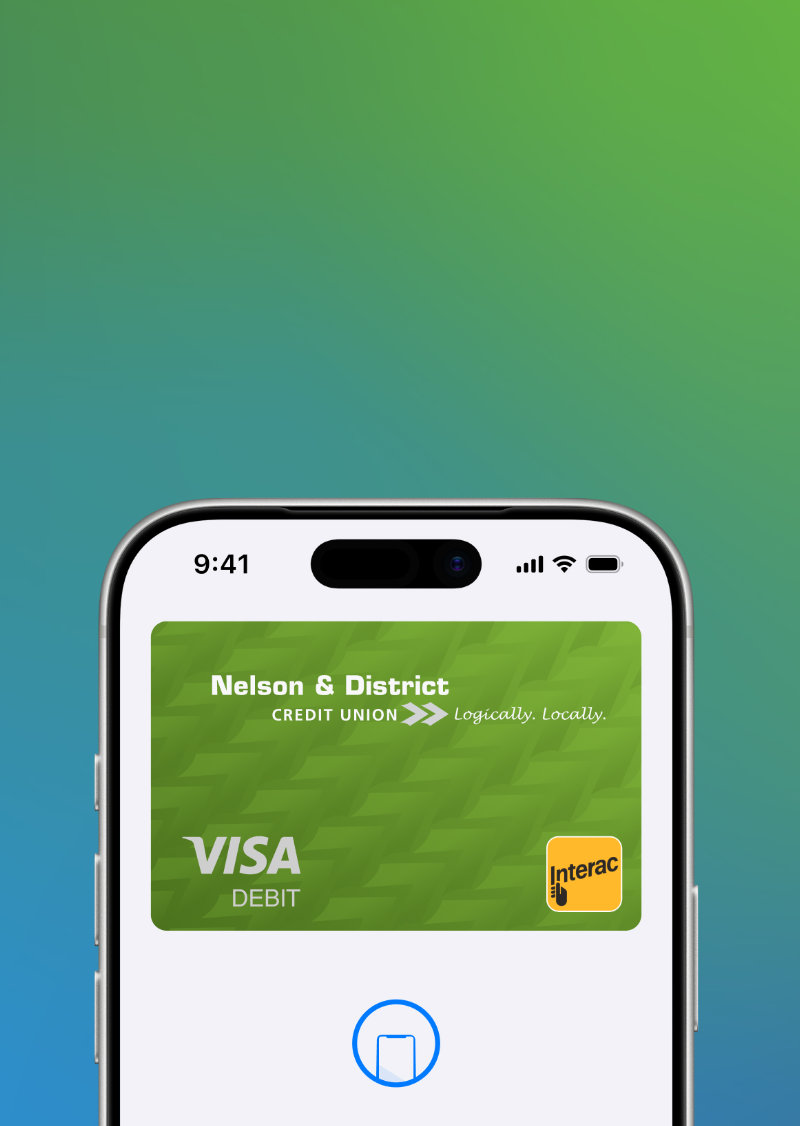
Add your NDCU Visa Debit Card and NDCU Collabria Credit Card for flexible pay options.
Say hello to global online shopping. Pay in store, online, and in apps.
Access ATM cash through the Exchange and Visa networks.
Use at home, abroad and online at merchants worldwide.
Face ID, passwords, and other safety features keep you safe.
Spend your money. Just tap or click to pay.
Keep using Interac for transfers and purchases.
Pay in more ways and places than regular debit cards.
If you currently have an active MemberCard, we will provide you with a new Visa Debit card over the next 12 months. You can expect to get this in the mail close to the MemberCard expiry date shown on your card.
If you'd like to replace your MemberCard with a new Visa Debit card right away please visit your local branch.
If you're a new member, you'll get a new Visa Debit card when you open a new account and request card access.
Your Visa Debit card comes ready to use. To fully activate all features (including contactless and online purchases), follow the steps below based on your location:
Complete a Chip and PIN purchase at a point-of-sale (POS) terminal using Interac.
This first transaction will:
Activate Interac Flash (tap) for contactless payments and enable online transactions
Tip: While ATM transactions may activate some features, a purchase using Interac at a merchant is the quickest way to activate everything at once.
Complete a Chip and PIN purchase to activate your card
When you return to Canada:
Make a Chip and PIN purchase using Interac to activate contactless (tap) functionality
You can activate your card by completing a Chip and PIN transaction
This will enable online transactions
Important:
Contactless (tap/flash) payments may not work outside Canada
Interac Flash is only available within Canada
Your existing MemberCard will be closed 60 days after your new Visa Debit card arrives in the mail. Don't forget to destroy it once you've activated your Visa Debit card.
No, your PIN will remain the same as your previous MemberCard. You can also change your PIN by visiting us or any ATM in Canada with the Acculink logo.
You may have received two Visa Debit cards if you already had two active MemberCards. The mailer will tell you which MemberCard is being replaced.
If you only use one card, activate only that card. You can close unused cards by calling or visiting your branch.
Reminder: MemberCards will not be renewed if they have not been used in the previous six months.
Reminder: Some online retailers may not accept Visa Debit. Check accepted payment methods before purchasing.
Select Visa or Visa Debit as the payment type. Enter your card number, expiry date, and the CVV found on the back of the card.
These transactions are processed like other card-not-present Visa transactions. They require card details and CVV.
Visa Debit is accepted at merchants worldwide where Visa is accepted. Outside Canada, PIN and signature may be required. Be mindful that contactless payments are not supported.
In Canada: Works at Interac ATMs.
Outside Canada: Works at Visa-accepted ATMs worldwide. Visa must be selected at POS/ATM when traveling outside of Canada.
Visa Debit draws funds directly from your account and is not a credit product. Transactions are not billed on credit nor is interest charged, unless you have a line-of-credit attached to your primary chequing account.
No.
No.
No. Visa Debit transactions do not affect your credit score.
Funds come from the primary chequing account that you would have linked to your MemberCard.
Online transactions will not work if your Visa Debit card is linked to a savings account, but ATM and POS transactions will still work.
ATM and POS transactions in Canada are processed like existing MemberCard transactions.
Online, phone, and international POS transactions process through the Visa network and may include temporary holds until settlement which may impact your available balance until the temporary hold is released.
Hold periods typically last 1–2 days, but some merchants may take up to 5 days. Holds affect your available balance.
Check online banking, the mobile app, or visit your local branch.
Daily limits are the same as your existing MemberCard.
Yes. Contact your branch and speak to a representative to adjust daily transaction limits.
No.
No. Credit card surcharges apply only to credit cards.
Call 1.877.352.7207 or visit your branch during regular operating hours. (NDCU)
Call 1.888.277.1043 for after hours Visa Debit card support provided by our trusted service provider Everlink Card Services.
Yes. All cardholders are automatically enrolled in Visa Alerts. These alerts are provided when transactions are carried out over the Visa network. Reply STOP to cancel.
Learn how to add cards to your visa debit of choice.
Mobile Pay lets you add your NDCU Visa Debit Card (replacing your NDCU MemberCard Debit Card over the next 12 months) and Collabria Credit Card to your smartphone (or another device like a smartwatch), and pay in stores, online, or in apps without needing your physical card.
You can add your NDCU Visa Debit Card (replacing your MemberCard Debit Card over the next 12 months) and NDCU Collabria Credit Card to Apple Pay, Google Pay, or Samsung Pay.
Yes. Mobile Pay uses built-in security like Face ID, Touch ID, and passwords so your actual card number isn’t shared with the merchant.
Yes. When you pay with Mobile Pay, your purchases still count for rewards, points, or cashback tied to your credit card.
Of course. Adding your card to Mobile Pay just gives you another way to pay.
Apple Pay works on Apple devices like iPhones and Apple Watches. Google Pay works on most Android phones. Samsung Pay works on eligible Samsung Galaxy devices. Visit these links for more information:
Look for the contactless symbol at checkout, open your Wallet app, authenticate using Face ID, Touch ID, or a password, and hold your phone near the terminal.
If your device is lost, you can lock or erase it remotely with tools like Find My iPhone/Find My Mobile.
* Visa Int./Licensed User.
† Interac and Interac Flash are trademarks of Interac Corp. Used under license.